
Video Feature
How to Make Text Follow Motion in DaVinci Resolve Without Overcomplicating the Track
Casey Faris breaks down four ways to attach text to moving shots in Resolve, from a basic tracker to a full 3D camera solve.
Watch + read →
Creator profile · Resolve, Fusion, editing, VFX
Casey Faris focuses on DaVinci Resolve, Fusion, editing and VFX, breaking professional post-production techniques into practical workflows for creators building stronger video skills.
Featured on Mode
7 published items from this creator.
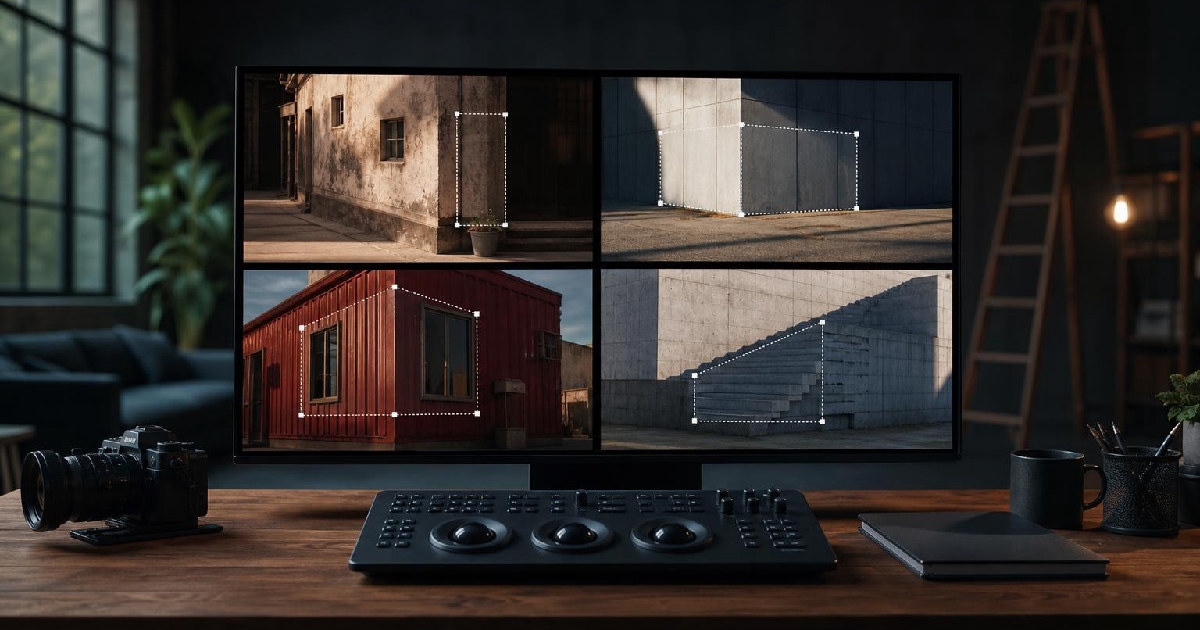
Casey Faris breaks down four ways to attach text to moving shots in Resolve, from a basic tracker to a full 3D camera solve.
Watch + read →
Casey Faris lays out a six-step DaVinci Resolve order that treats the edit as the foundation and keeps color, graphics, and audio from becoming wasted work.
Watch + read →
The video is less about memorizing buttons than learning a workflow: import, edit, composite, grade, mix, and export.
Watch + read →
Casey Faris’s tutorial is less about one editing trick than a repeatable method: write the voiceover first, map the shots in the timeline, build a rough cut quickly, then refine the project in passes for color, graphics, and audio.
Watch + read →
Casey Faris breaks background removal into three practical paths: key a green screen, lean on Magic Mask, or build a cleaner cutout in Fusion when the shot needs more control.
Watch + read →
Casey Faris breaks text work in Resolve into a simple ladder: basic titles for speed, layered text for control, Fusion for custom motion, and tracking when the graphic needs to move with the shot.
Watch + read →
Casey Faris and Dan use three creator videos to show the same pattern: weak openings, avoidable design choices, and too much footage that doesn’t earn its place.
Watch + read →